
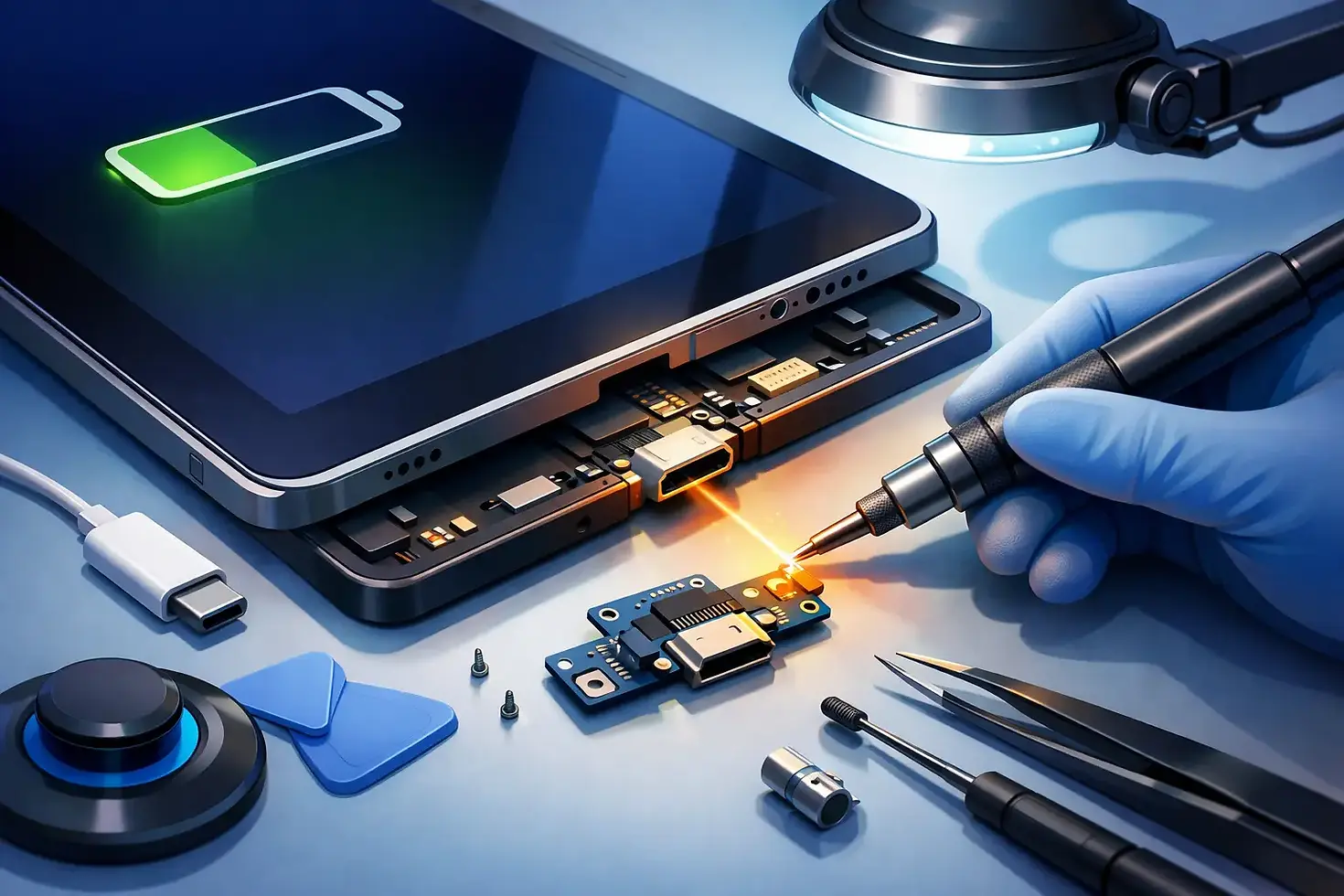
iPad Charging Port Repair That Gets You Back On

Your iPad is at 3%, the charging cable is plugged in, and nothing happens. Maybe it charges only when the cord is held at a certain angle. Maybe the connector feels loose, or the battery icon keeps appearing and disappearing. iPad charging port repair can solve the problem, but the port is not always the real cause.
Before assuming your tablet needs a major repair, it helps to know what can interrupt charging and what a qualified technician checks first. A careful diagnosis can prevent wasted money on accessories, avoid more damage, and get your iPad back for school, work, travel, streaming, or keeping the kids entertained.
Why an iPad Stops Charging
The charging port gets the blame often because it is where the cable connects, but several parts must work together before your iPad can charge. The cable and power adapter have to deliver stable power. The port has to make clean contact with the connector. The battery, charging circuitry, and software all need to respond correctly.
A worn-out cable is one of the simplest possibilities. Lightning cables can fray near the ends, while USB-C cables may look fine but have internal damage. Low-quality adapters and cables can also charge slowly, disconnect repeatedly, or fail to provide enough power for an iPad.
Debris is another common issue. iPads spend time in backpacks, purses, cars, classrooms, and on kitchen counters. Lint, dust, and tiny particles can pack into the port over time. The cable may still go in, but it cannot reach the correct depth or make a reliable connection.
Then there are the problems that do require hardware work. A hard pull on a charging cord, a drop while connected, moisture exposure, or normal wear can damage internal port connections. In those cases, cleaning the opening will not restore charging. The device needs precision repair, not force.
iPad Charging Port Repair Starts With Diagnosis
A good repair begins with testing, not guessing. An expert technician checks whether the iPad recognizes a known-good charging cable and power source, whether the connector fits properly, and whether charging behavior changes after the port is inspected and cleaned.
They also look for clues that point beyond the port. If your iPad shows the charging symbol but loses power quickly, the battery may be worn or failing. If it does not power on after water exposure, corrosion or damage to internal components could be involved. If the device charges intermittently after a recent update or has become unusually hot, software and power-management issues may need to be ruled out.
This matters because a port replacement is not automatically the best answer. Replacing a working port will not fix a weak battery or a damaged charging cable. On the other hand, continuing to wiggle a cable inside a damaged port can turn a manageable repair into a more involved one.
A few safe checks you can try first
Start with a different cable and adapter that you know work properly. Plug the iPad directly into a wall outlet rather than a computer USB port, power strip, or vehicle charger. If the battery is fully drained, leave it connected for at least 20 to 30 minutes before expecting the screen to turn on.
Next, look inside the port under good light. Do not insert a paperclip, needle, knife, or any metal object. The contact points inside are delicate, and a sharp tool can bend them or cause a short. If you see compacted lint, it is safer to have it removed with the right tools than to dig aggressively at home.
If the iPad starts charging only when the cable is bent, pushed upward, or held in place, stop treating that as a workaround. That is a strong sign that the connection is obstructed, worn, or damaged.
When Cleaning Helps and When It Does Not
Professional port cleaning can be a quick, cost-effective solution when debris is blocking the connector. The technician clears the port carefully, tests the cable fit, and confirms that charging remains stable. When buildup is the only issue, your iPad may be back to normal without replacing any parts.
Cleaning has limits. It cannot fix a cracked port assembly, bent internal contacts, loose solder connections, liquid corrosion, or damage to the charging circuit on the logic board. If a cable feels loose after debris is removed, or the iPad still disconnects while sitting still, the issue is likely more than lint.
There is also a difference between slow charging and no charging. Some iPads charge slowly when using a lower-wattage adapter, running demanding apps, or operating in very hot or cold conditions. A slow charge may not mean the port is broken. But an iPad that will not recognize multiple working chargers, repeatedly flashes between charging and not charging, or has visible port damage needs a closer inspection.
Signs You May Need a Charging Port Repair
A damaged charging port usually creates a pattern, not a one-time problem. The cable may fall out too easily, refuse to click into place, or feel unusually loose. Charging may stop when the device is moved, even slightly. You might also see no charging response from multiple cables that work on other devices.
Physical damage can happen after a charging cable is yanked, a tablet drops while plugged in, or moisture reaches the connector. Even if the iPad powers on, do not ignore heat, a burning smell, discoloration in the port, or unusual behavior while charging. Disconnect the cable and have the device checked promptly. Continuing to charge a device with possible liquid or connector damage is not worth the risk.
For older iPads, the port may not be the only part showing its age. A battery that drains rapidly, shuts down unexpectedly, or remains stuck at a low percentage may need replacement at the same time. The right repair depends on the condition of the full charging system, not just the opening at the bottom of the tablet.
Repair or Replace: What Makes Sense?
For many people, repairing an iPad charging issue costs far less than replacing the entire tablet. That is especially true when the screen, camera, buttons, and overall performance are still in good shape. A successful port repair can extend the useful life of a device you already know and rely on.
Replacement may make more sense if the iPad has extensive liquid damage, major logic-board problems, a badly damaged screen, or several aging components that would all need attention. It also depends on the model. Newer iPads can be worth repairing because they still support current apps and software, while a much older model may not fit your needs even after the charging issue is fixed.
A straightforward assessment gives you the information to choose. Ask what is causing the failure, what repair is recommended, and whether other issues could affect the result. Clear answers are more useful than a rushed guess.
Protect Your iPad After the Repair
Once your iPad is charging reliably again, small habits can help protect the port. Pull the connector straight out instead of yanking the cable from the cord. Keep food, sand, and loose debris away from the port. Avoid charging on a bed, couch, or other soft surface that traps heat around the device and adapter.
Use dependable cables and adapters that fit securely. If a cable starts fraying, gets excessively hot, or needs to be positioned just right, replace it before it damages the connection. For families and students who carry an iPad every day, a protective case and a little cable care can prevent an inconvenient repair later.
When charging trouble interrupts your routine, you should not have to spend days guessing whether the cable, battery, or port is at fault. At Ultra-Fix Cellular in Northridge, expert techs can inspect the issue, explain the practical repair path, and help bring your iPad back to life fast. A reliable charge is a small thing until you lose it - then it is the difference between being stuck at 3% and getting on with your day.


Comments